
Clips Studio
What is Clips Studio? AI video clipper explained
ASAL Clips Studio is an AI video clipper that ASAL deploys and sets up for you. You paste a YouTube, Twitch or Kick link, or add your own file, and it finds the strongest moments, cuts them, captions them and exports vertical clips for YouTube Shorts, Instagram Reels and TikTok. It runs on your own machines with local AI models, and you get the complete source of the version we deploy. For gaming channels we can also install an optional, unofficial GTA highlight plugin.
Long videos and live streams hold far more short clips than anyone has time to cut by hand. Clips Studio does the first pass for you: it looks through the source video, suggests the moments worth sharing, cuts them to vertical, adds captions and exports files ready for each network. You review the suggestions, fix or drop the weak ones and keep the rest.
We deploy it on your own computers or server rather than renting you a cloud seat. The AI models run locally (Ollama for the language model, Whisper for speech), so your footage stays on hardware you control and there are no per-clip charges from a cloud AI service. We install it, configure it, connect it to the way you publish and show your team how to run it.
For gaming channels, Clips Studio can also run the GTA6 Plugin: an unofficial, MIT-licensed highlight detector for Grand Theft Auto V and VI streams, built by ColinGPT9 and packaged by ASAL. It looks in the transcript for chase, crash, stunt, combat, NPC chaos, funny dialogue and reaction cues, adds measured changes in sound and picture, and suggests clips with an explanation for you to review. It does not recognise vehicles or police from the picture, it misses incidents nobody talked about, and GTA VI gameplay has not been tested. It is not affiliated with or endorsed by Rockstar Games.
Clips Studio is ASAL's build of the open-source Clips Kitty engine by ColinGPT9, licensed under the GNU AGPL v3. That licence comes with a clear promise: you receive the complete source code of the exact version we deploy for you, and you are free to keep, study and change it.
AI video clipper examples: Clips Studio in action
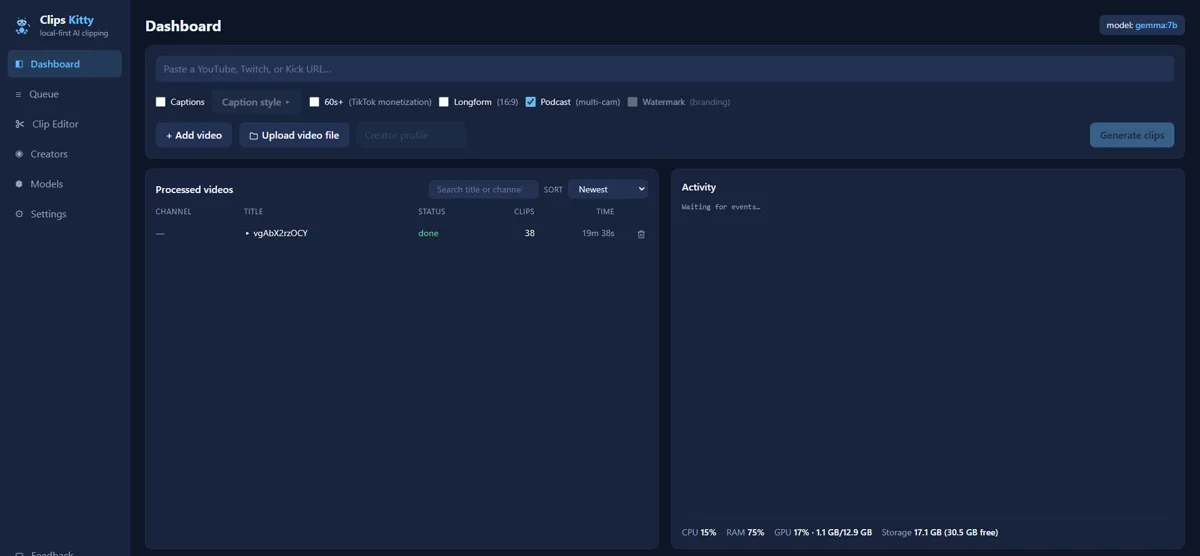
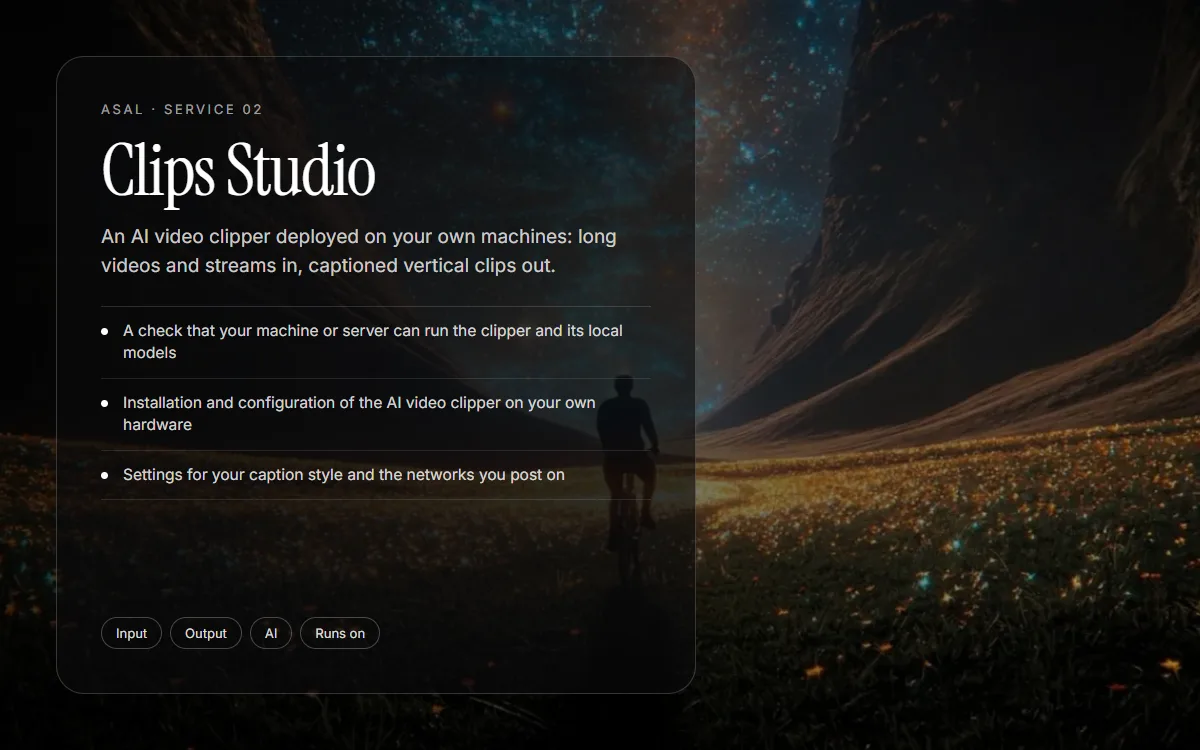
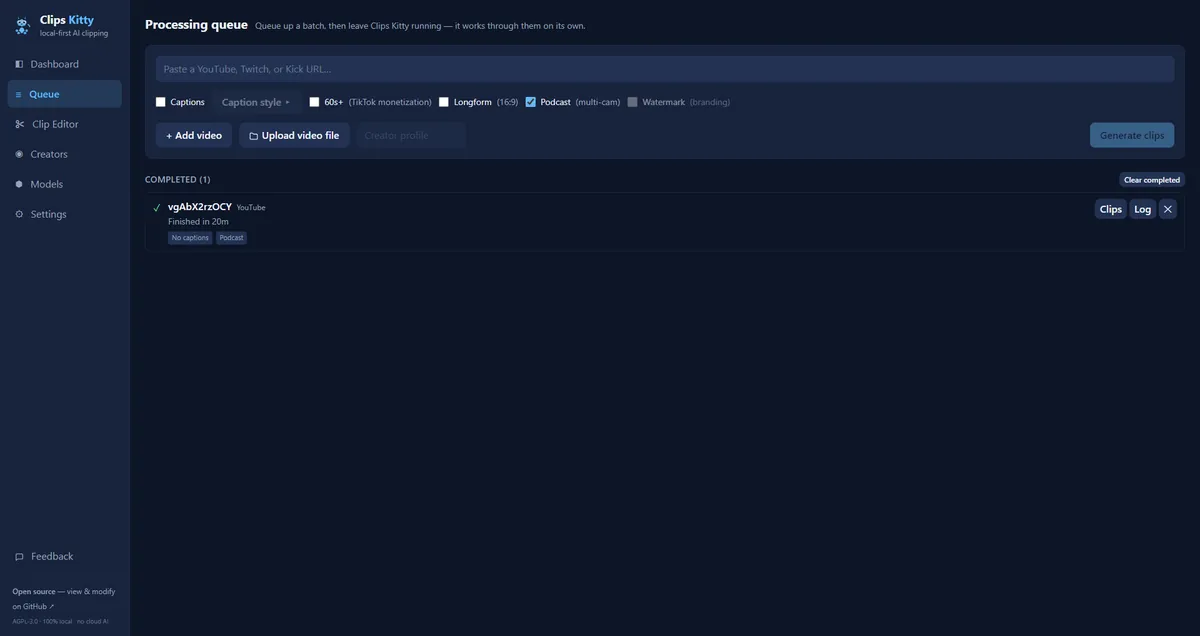
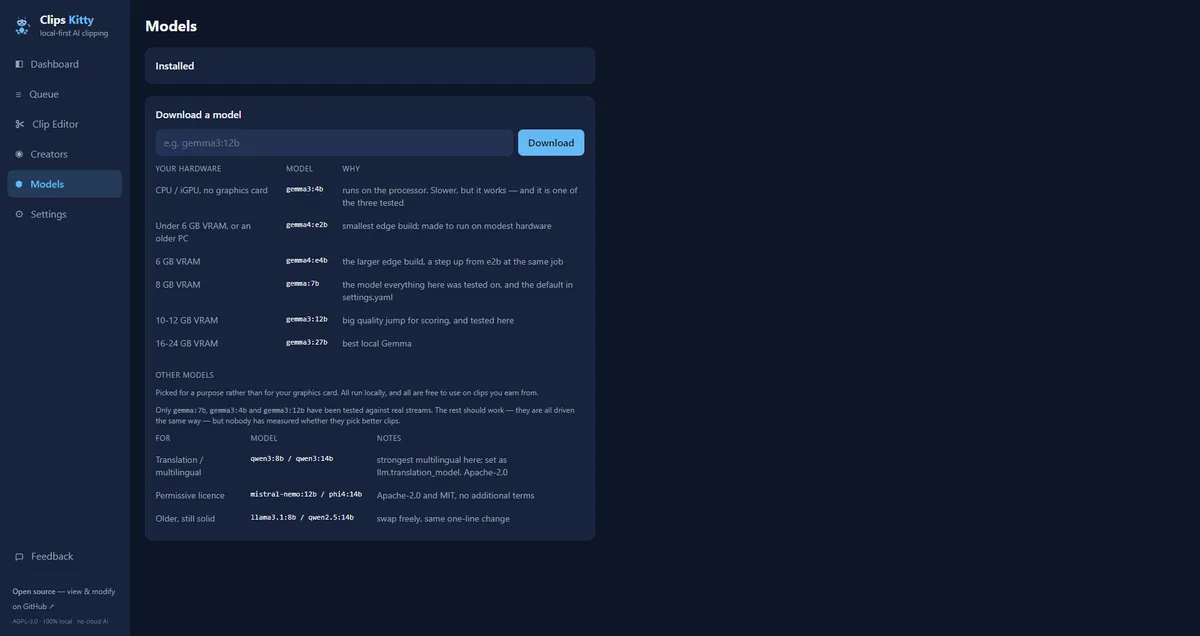
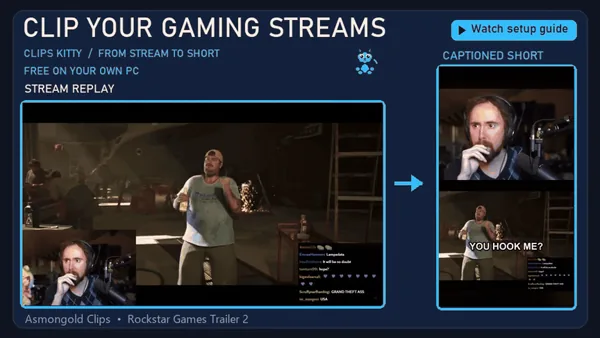
Screenshot of Clips Kitty (AGPL-3.0), the app Clips Studio deploys. The second card is made by ASAL from this page's details.
AI video clipper specifications
| Input | A YouTube, Twitch or Kick link, or a video file you add |
|---|---|
| Output | Captioned vertical clips for YouTube Shorts, Instagram Reels and TikTok |
| AI | Local models (Ollama and Whisper) running on your hardware; no per-clip cloud AI fees |
| Runs on | Your own computer or server: a desktop app with a Python engine, or Docker |
| Review | You approve, fix or drop every suggested clip before anything is exported for posting |
| Gaming plugin | Optional unofficial GTA V / GTA VI highlight detector (MIT, by ColinGPT9); you review every suggestion; GTA VI gameplay is untested |
| Licence | Open source (GNU AGPL v3), based on Clips Kitty by ColinGPT9; you get the full source of your deployed version |
| Footage | Only video you own, have a licence for, or have the creator's written permission to reuse |
What's included in Clips Studio AI video clipper
- A check that your machine or server can run the clipper and its local models
- Installation and configuration of the AI video clipper on your own hardware
- Settings for your caption style and the networks you post on
- A walkthrough for your team: run a job, review suggestions, export clips
- Optional hand-off into Reel Studio scheduling and Approval Studio review
- Optional: the unofficial GTA highlight plugin installed and configured for gaming streams
- The complete source code of the version we deploy, under the AGPL
How AI video clipper works with Clips Studio
Scope
We confirm your footage sources, the networks you post on and the hardware it will run on.
Deploy
We install and configure Clips Studio and its local models on your machine or server.
Connect
We set your caption style and, if you want, connect the output to your publishing and approval flow.
Hand over
Your team runs a first clipping job with us and gets the full source of the deployed version.
Maintain
Updates from the upstream project are reviewed and merged on purpose, never pushed automatically.
What you need to get started with AI video clipper
- A computer or server where the clipper and its local AI models can run
- Footage you own, are licensed to use, or have written permission to reuse
- Someone on your team to review the suggested clips
Services that work well with AI video clipper
Reel Studio
Short-form video, scripted, voiced, animated and scheduled after you approve it.
Editor Studio
A local-first video editor an AI agent can drive, deployed and connected to your workflow.
Approval Studio
Comments, DMs and your website chatbot in one place, answered in your voice, with a human in charge.
AI video clipper support and approvals
- Clips are suggestions: your team decides what gets exported and posted.
- Updates are merged deliberately and tested, so a release never changes your setup without warning.
- The deployed copy does not self-update or send feedback to a third party; we switch those off.
Why choose ASAL for AI video clipper?
Your hardware, your footage
The clipper and its AI models run on machines you control, not on a shared cloud service.
Open source you can keep
You receive the full source of the version we deploy, as the AGPL requires.
We use it ourselves
ASAL turns its own long-form video into clips with Clips Studio before it reaches Reel Studio.
AI video clipper FAQ: Clips Studio questions answered
What is an AI video clipper?
It is software that watches a long video or stream, finds the moments worth sharing, cuts them to vertical and adds captions, so you get short clips for Shorts, Reels and TikTok without editing each one by hand.
Which sources can Clips Studio clip?
YouTube, Twitch and Kick links, or a video file you add. Only use footage you own, are licensed to use, or have the creator's written permission to reuse.
Does my footage leave my machines?
The clipping and the AI models run on the hardware we deploy it to, so the processing happens on your machine or server.
Do I get the source code?
Yes. Clips Studio is based on the open-source Clips Kitty engine under the GNU AGPL v3, so you receive the complete source of the exact version we deploy for you.
Can Clips Studio find highlights in GTA streams?
Yes, with an optional plugin we install: an unofficial, MIT-licensed GTA highlight detector by ColinGPT9. It reads the stream's transcript for chase, crash, stunt, combat and reaction cues, adds measured sound and picture changes, and suggests clips for you to review. It does not recognise vehicles or police from the picture, GTA VI gameplay has not been tested, and it is not affiliated with Rockstar Games.
How much does a Clips Studio deployment cost?
It depends on your hardware, sources and how much setup you need. Tell us about your channel through the chat or contact page and we will send a quote.
Talk to us about AI video clipper
Tell us what you sell and which job you want off your plate. Tas can answer questions right now, or reach the team directly.